CCTV Control Room Staff Management: How to Keep Every Shift Covered
Quick answer: CCTV control room staff management means rostering operators, tracking attendance and licences, and covering every shift 24/7. Software like MonitorGuard replaces spreadsheets with live attendance, automated rotas and expiry alerts, so no desk is left empty.
Running a CCTV monitoring operation is no longer just about watching screens. It is about making sure the right operator is at the right desk at the right time, with a valid licence, every hour of every day. When a shift is missed or a licence lapses, the risk lands on your client, and then on your contract.
This guide explains the main staffing problems UK CCTV control rooms face, and how workforce management software like MonitorGuard solves them.
Where staffing fits in CCTV monitoring
In a monitored CCTV setup, an alert reaches the monitoring station, an operator reviews the live footage, issues an audio challenge if needed, and contacts the keyholder or police. Every one of those steps depends on a trained operator being at the desk. If a shift is uncovered, the alert waits. That is why staffing is a security issue, not just an admin task.
Why spreadsheets fail CCTV control rooms
Many monitoring companies still run rotas on spreadsheets and WhatsApp groups. It works with five operators. It breaks at fifty, because:
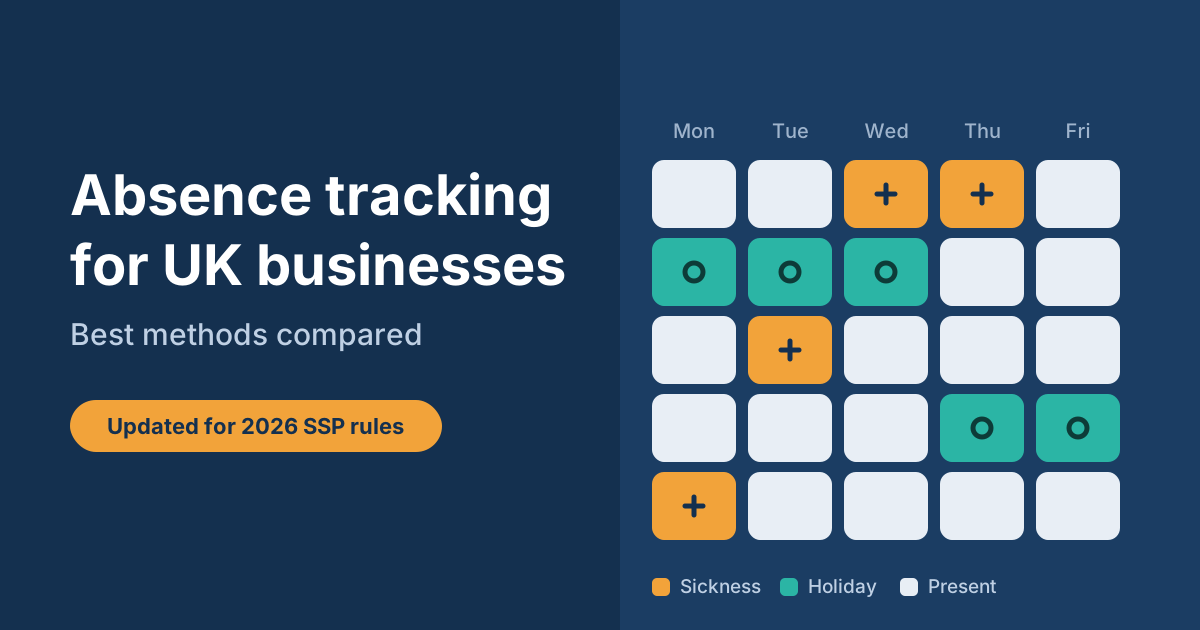
- Shift swaps and sickness are not visible to the whole team in real time.
- Nobody notices a coverage gap until a client calls.
- Licence and training expiry dates sit in separate files.
- Timesheets are rebuilt by hand at month end, which causes pay disputes and billing errors.
1. Real-time attendance and coverage
With a digital time clock, supervisors can see who has clocked in, who is late and which desks are empty, without phoning around. For field and mobile teams you can add location-verified clock-ins, as long as staff are told clearly what is tracked and why (see the GDPR note below).
Result: gaps are spotted in minutes, not hours.
Example: At 2:30am an operator calls in sick. On a spreadsheet, the supervisor finds out at the 3am handover. With MonitorGuard, the missed clock-in alerts the supervisor within minutes, and a replacement can be offered the shift by notification.
2. Automated shift scheduling for 24/7 operations
Control rooms run nights, weekends and bank holidays. MonitorGuard's shift scheduling lets you build rotas by site and desk, publish them to staff phones, and push instant notifications when a shift changes. Operators always know where they need to be, and managers can re-cover a sick call-out quickly.
3. Compliance and SIA licence tracking
CCTV operators working on public space surveillance need a valid SIA licence, and clients increasingly expect audit-ready records. MonitorGuard's compliance tools store certificates and training records, track expiry dates and alert you before something lapses, so an operator is never rostered on with an expired licence.
Working time also matters. Tracking hours against the Working Time Regulations helps you avoid fatigue risks and penalties on long night rotas.
4. Shift handover checklist
A clean handover prevents missed alarms. Use this checklist at every changeover:
- Open alarms and incidents passed on in writing
- Cameras offline or faulty
- Keyholder and escalation contacts that have changed
- Special instructions per site
- Both operators sign off in the system
5. Safer lone and field working
Not every CCTV team sits in a control room. Mobile responders and site engineers work alone, sometimes at night. MonitorGuard's lone worker safety checks give supervisors a clear record that staff are safe, and an alert when a check is missed.
6. Data that helps you improve
Reporting shows where coverage is thin, which sites run the most overtime and how operator hours compare to what you bill. That helps you price contracts accurately and prove service levels to clients through the client portal.
7. Built to scale across the UK
Whether you run one control room or many sites, you can add teams, roles and locations without extra admin. Everything stays in one dashboard.
Spreadsheet vs MonitorGuard at a glance
|
Task |
Spreadsheets |
MonitorGuard |
|---|---|---|
|
Spot an uncovered shift |
After a client complains |
Live dashboard |
|
Notify staff of changes |
Manual calls/texts |
Automatic notifications |
|
Track licence expiry |
Separate files |
Central alerts |
|
Build timesheets |
Manual, month end |
Generated from clock-ins |
A note on GDPR and staff monitoring
If you track staff location or log activity, tell employees what is collected and why, collect only what you need, and follow ICO guidance. Good software should help you stay proportionate, not just collect more data.
Limits to be aware of
Software does not replace good supervision. Night rotas still need sensible fatigue limits, staff must be told what is monitored, and location tracking should be used only where it is proportionate and necessary.
Frequently asked questions
What is CCTV control room staff management?
It is the process of rostering, tracking and compliance-checking the operators who monitor CCTV, so every shift is covered by a qualified person.
Can MonitorGuard track SIA licence expiry?
It stores certifications and training records with expiry tracking, so you can act before they lapse. (Confirm exact alert intervals with the product team before publishing.)
Is it suitable for multi-site CCTV companies?
Yes. You can manage multiple sites, teams and roles from one platform.
Do operators need an app?
Staff can view rotas and clock in from the mobile and web app.
Can it replace our spreadsheet rota?
Yes. Rotas, attendance and timesheets live in one system instead of separate files.