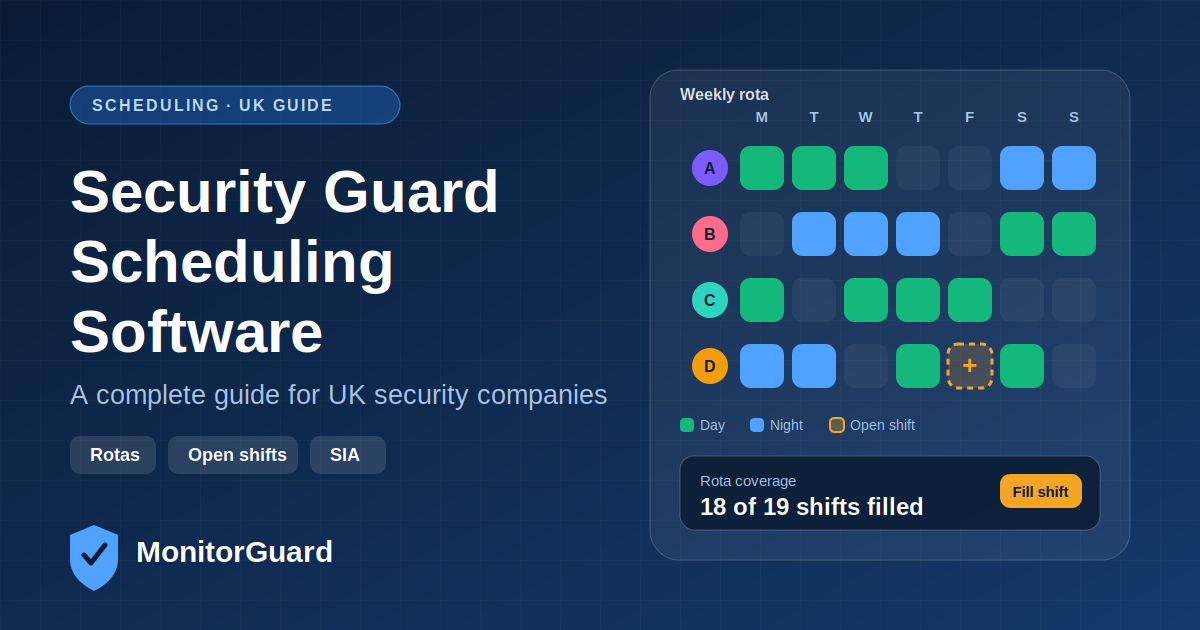
Security Guard Scheduling Software UK: Complete Guide
Scheduling is the hardest daily job in a security company. Sites need cover at fixed hours, guards have different availability and licences, and last-minute sickness can leave a contract exposed. Security guard scheduling software turns that daily scramble into a managed process.
This guide explains what scheduling software is, how it differs from spreadsheets, which features matter, and what UK companies should consider before choosing one.
What Is Security Guard Scheduling Software?
Security guard scheduling software is a digital system for building, publishing and managing guard rotas. It lets managers assign shifts to sites, see who is available, fill gaps and notify guards automatically, usually through a mobile app.
Good platforms go beyond a calendar. They connect scheduling with attendance, timesheets and compliance so the rota reflects what actually happens on site.
Why Spreadsheets Stop Working
Many security firms start with Excel or WhatsApp. It works with a few guards, but problems grow with every new site.
| Challenge | Spreadsheet or chat | Scheduling software |
|---|---|---|
| Double-booking a guard | Easy to miss | Flagged automatically |
| Last-minute sickness | Phone calls and messages | Open shift sent to available guards |
| Version control | Several copies in circulation | One live rota |
| Licence expiry | Checked manually | Linked to guard profiles |
| Timesheets and payroll | Re-typed from rotas | Generated from actual hours |
| Visibility across sites | Separate files | One dashboard |
How Security Guard Scheduling Software Works
- Set up sites and shift patterns: day, night, weekend and event cover, with required headcount.
- Add guards: availability, qualifications, SIA licence details and preferred sites.
- Build the rota: assign shifts manually or from templates, and publish.
- Notify guards: guards see their shifts in the app and confirm.
- Handle changes: open shifts, swaps and cancellations are managed in one place.
- Track attendance: clock-ins show whether the shift was covered.
- Report: hours and coverage feed timesheets, payroll and client reports.
Key Features to Look For
- Drag-and-drop rota builder with reusable shift templates
- Availability and leave tracking so you don't schedule people who can't work
- Open shifts and shift swaps with manager approval
- Multi-site view for coverage gaps across contracts
- SIA licence awareness, so the right guard is on the right post
- Automatic notifications by app, SMS or email
- Clock-in with GPS to confirm attendance
- Overtime and hours monitoring
- Reports for payroll, invoicing and client reviews
Scheduling and UK Rules
Scheduling in the UK involves legal and licensing requirements. Software helps you stay organised, but responsibility stays with the employer.
SIA licences. Security guards in the UK generally need a valid licence from the Security Industry Authority (SIA) for licensable roles, and licences are issued for a fixed period (typically three years). Scheduling software that stores licence type and expiry helps you avoid putting an unlicensed guard on a licensable post.
Working Time Regulations. The Working Time Regulations 1998 set rules on average weekly hours, rest breaks and daily and weekly rest. Long shifts and back-to-back nights are common in security, so tracking hours matters. Check the current rules on GOV.UK for your situation.
Industry standards. Many UK companies work towards standards such as BS 7499 for static site guarding and mobile patrol services, which includes expectations around records and management.
Scheduling Software vs Rota Templates vs Workforce Management Platforms
| Rota template | Scheduling-only tool | Security workforce management platform | |
|---|---|---|---|
| Builds rotas | Yes | Yes | Yes |
| Notifications | No | Yes | Yes |
| Attendance and GPS | No | Sometimes | Yes |
| SIA licence tracking | No | Rarely | Yes |
| Patrols and incidents | No | No | Yes |
| Best for | Very small teams | Simple rota needs | Growing multi-site companies |
If scheduling is only one of your problems, a platform that also covers attendance, compliance, patrols and incident reporting avoids switching between tools.
How to Choose Security Guard Scheduling Software in the UK
- List your real problems: sickness cover, double-booking, payroll admin or client reporting.
- Check security-specific needs: SIA licence fields, site-based posts, night and weekend patterns.
- Test the guard experience: if the app is hard for guards, adoption fails.
- Look at reporting: coverage, hours worked and attendance records.
- Ask about support and onboarding, especially for moving data from spreadsheets.
- Run a trial on one or two sites before committing.
Common Mistakes to Avoid
- Choosing a generic shift tool with no security features
- Skipping guard training and rollout
- Not cleaning up availability and licence data before import
- Treating the rota as separate from attendance and payroll
Frequently Asked Questions
What is security guard scheduling software?
A system for creating and managing guard rotas, covering shifts, availability, notifications and attendance.
Is scheduling software better than Excel for security companies?
Excel works for small teams, but software reduces double-booking, speeds up cover for absences and keeps one live rota across sites.
Can scheduling software track SIA licences?
Some platforms store licence type and expiry dates and flag upcoming expiries. Check that your chosen tool supports this.
Can guards swap shifts in the app?
Many platforms allow swaps with manager approval, which keeps cover under control.
Does it help with Working Time Regulations?
It can help you monitor hours and rest between shifts, but compliance remains the employer's responsibility.
Is scheduling software suitable for small security firms?
Yes. Even a handful of guards and sites benefit from fewer errors and less admin.
Plan Your Next Rota With MonitorGuard
MonitorGuard brings scheduling, attendance, patrol verification, incident reporting and compliance together for UK security companies. Explore security guard scheduling or try MonitorGuard free for 60 days.