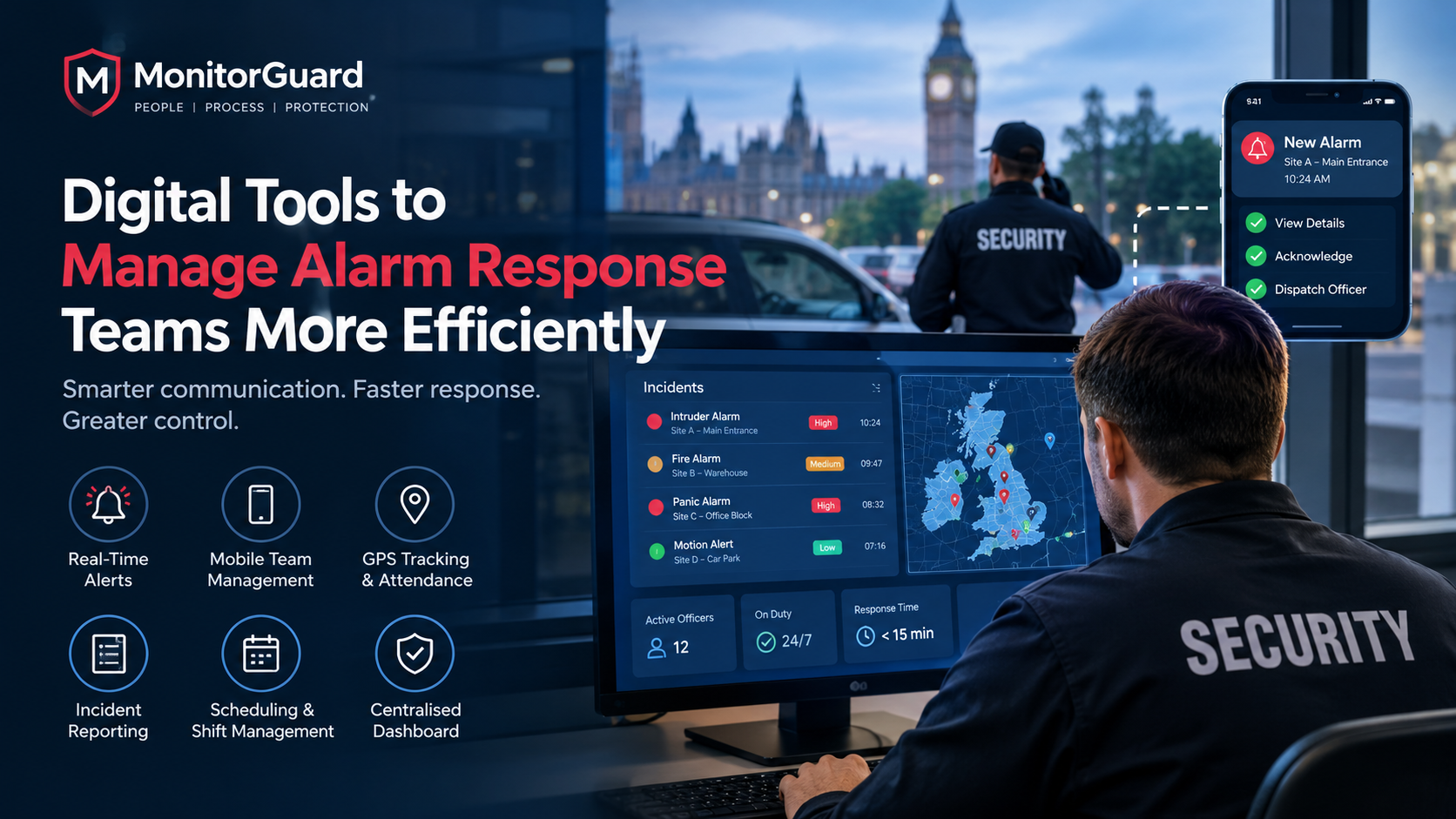
Digital Tools to Manage Alarm Response Teams More Efficiently
Digital Tools to Manage Alarm Response Teams More Efficiently
Managing an alarm response team requires more than receiving alerts and sending security officers to a location. UK security companies must coordinate mobile response officers, monitor incidents, maintain accurate records and ensure that the right person responds at the right time.
Traditional methods, such as phone calls, spreadsheets and paper-based incident logs, can make these responsibilities difficult to manage, especially when teams operate across multiple sites or provide 24/7 security coverage.
Digital tools for alarm response teams help centralise operational information, improve communication and provide better visibility into incidents, staff availability and response activities. By connecting scheduling, real-time alerts, mobile reporting and performance monitoring, security businesses can manage their operations more consistently.
In this guide, we explain which digital tools matter most, how they improve alarm response team management, and what UK security companies should consider when choosing a suitable system.
What Is Alarm Response Team Management?
Alarm response team management is the process of coordinating personnel, incident notifications, response assignments and follow-up activities when a security alarm or emergency requires attention.
For UK security companies, this may involve mobile response officers, keyholding teams, site security staff, control room operators and supervisors.
An effective alarm response management process should help businesses:
-
Receive and communicate incident alerts promptly.
-
Identify available and appropriately assigned response personnel.
-
Coordinate officers across different locations.
-
Record incident details and response activities.
-
Monitor attendance, task completion and operational performance.
-
Maintain accurate records for clients and internal reviews.
Digital security management software brings these activities into a more organised workflow, reducing dependence on disconnected communication channels and manual paperwork.
Why Do Security Companies Need Digital Alarm Response Tools?
Managing response teams manually becomes increasingly challenging as a security business takes on more clients, contracts and locations.
1. Delayed Communication
Phone calls and separate messaging groups can make it difficult to communicate important incident details consistently. Supervisors may need to contact several officers before confirming who is available.
A centralised digital system helps managers distribute task information, send notifications and maintain a clearer record of operational updates.
2. Limited Visibility of Response Activities
Without a central dashboard, managers may struggle to establish whether an officer has acknowledged an assignment, reached the site or completed the required task.
Digital activity records and location-based attendance checks can provide better visibility into field operations, subject to the system's capabilities and appropriate privacy controls.
3. Incomplete Incident Records
Paper forms and informal messages can leave important information scattered across different channels.
Digital incident reporting allows authorised personnel to record timestamps, incident categories, notes and supporting evidence in a consistent format.
4. Difficulties Managing Multiple Sites
Security businesses often manage several contracts simultaneously. Without centralised oversight, supervisors may find it difficult to compare activity across sites or identify outstanding tasks.
A central dashboard can bring together relevant information about staff attendance, patrols, incidents and task completion.
7 Digital Tools That Improve Alarm Response Team Efficiency
1. Real-Time Alert and Notification Systems
Real-time notifications help supervisors and relevant personnel become aware of new incidents, missed tasks or operational changes without relying entirely on manual phone calls.
Depending on the platform, notifications can be delivered through a mobile app, dashboard or other configured communication channel.
Useful capabilities include:
-
Immediate notifications when an incident is logged.
-
Alerts for missed or overdue tasks.
-
Notifications about shift changes or staff availability.
-
Escalation rules for incidents requiring further attention.
A clearly defined escalation process is essential. Every alert should have an assigned owner, an expected action and a procedure for situations where the initial recipient does not respond.
2. Mobile Workforce Management Apps
Mobile workforce management apps connect office-based managers with officers working across different sites.
Officers can use supported mobile tools to review assignments, receive instructions, confirm attendance and submit incident reports while in the field.
For alarm response teams, this can help reduce unnecessary administrative calls and improve the consistency of information shared between officers and supervisors.
Learn more about MonitorGuard's workforce management platform, which brings security workforce activities into a more coordinated workflow.
3. GPS-Based Attendance and Location Tracking
Location-based tools can help managers verify attendance at designated sites and understand where officers are working when location monitoring is enabled.
Depending on the system, features may include GPS time clocks, geofenced check-ins and location-linked activity records.
These capabilities can support operational visibility, but GPS tracking alone does not prove that an incident has been resolved or that an officer has completed every required task.
UK employers should also consider data protection, transparency, necessity and proportionality when monitoring employees' locations.
4. Digital Incident Reporting Software
Incident reporting software helps teams document security events in a structured and searchable format.
Instead of relying on handwritten reports or scattered messages, officers can record relevant details through a digital form.
A useful incident reporting workflow may include:
-
Incident type and priority.
-
Date and time of the event.
-
Site or location details.
-
Officer observations and actions taken.
-
Photographs or other supporting attachments, where appropriate.
-
Escalation status and follow-up actions.
These records make it easier for supervisors to review incidents, identify recurring problems and prepare reports for clients.
5. Centralised Security Dashboards
A centralised dashboard gives managers a consolidated view of relevant security operations.
Rather than switching between spreadsheets, messages and separate reporting tools, supervisors can review available operational information in one place.
Depending on the platform, this may include:
-
Staff attendance and shift coverage.
-
Completed and outstanding tasks.
-
Patrol and checkpoint activity.
-
Incident reports and alerts.
-
Activity across multiple sites.
MonitorGuard's centralised security dashboard approach explains how combining operational information can help reduce visibility gaps and improve oversight.
6. Automated Scheduling and Shift Management
Alarm response services may need to operate outside standard office hours, making staff scheduling particularly important.
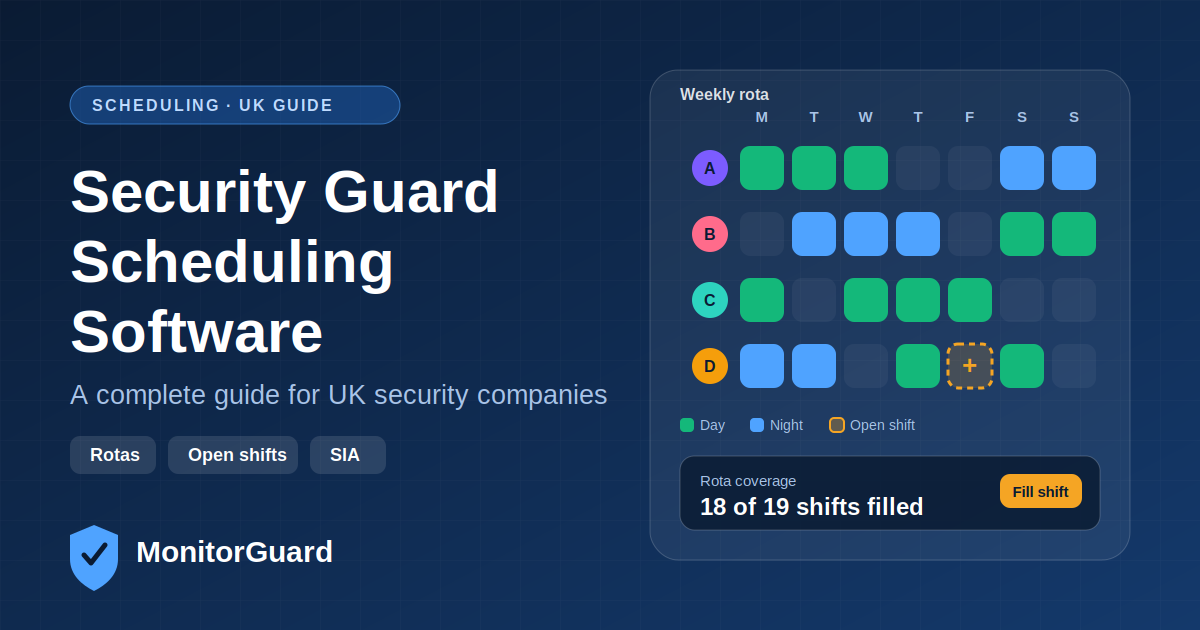
Security guard scheduling software helps managers organise rotas, check staff availability and coordinate shift coverage.
Useful features may include automated reminders, shift notifications, absence management and visibility into unfilled shifts.
When selecting a system, security companies should also consider the qualifications, licences and site-specific requirements needed for each assignment.
Explore the UK guide to security guard scheduling software for further information about organising security workforce operations.
7. Digital Patrol and Checkpoint Management
Alarm response teams may also need to conduct site checks, inspect access points or verify that designated patrols have been completed.
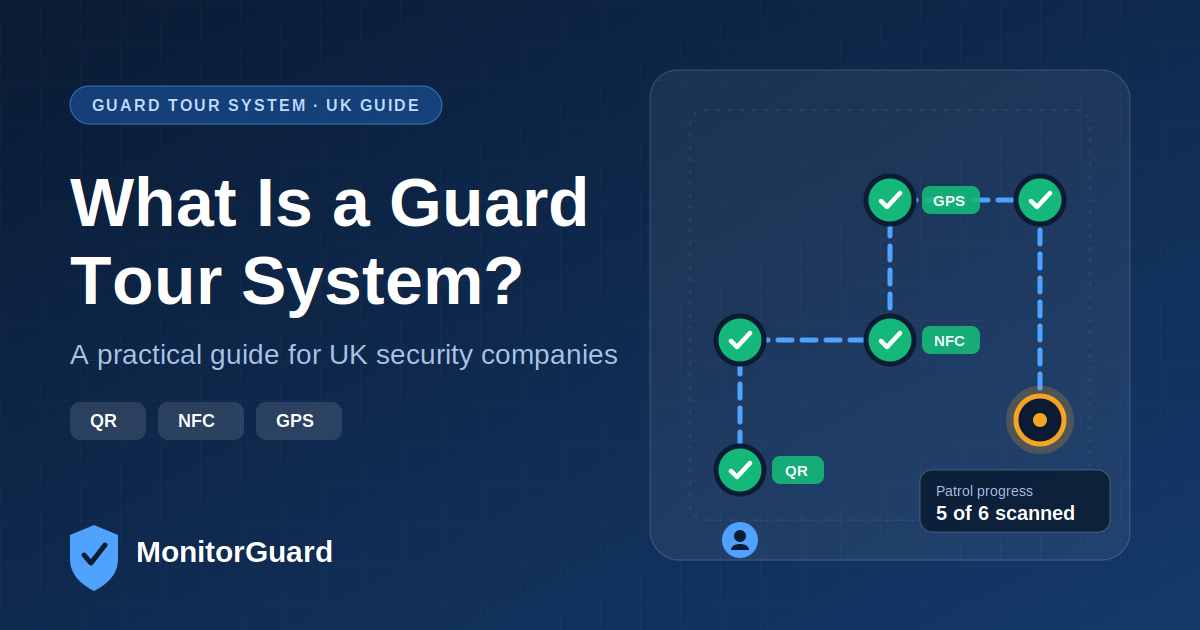
A digital guard tour system can record checkpoint visits using technologies such as QR codes, NFC tags or GPS-enabled workflows.
These records help managers identify missed checkpoints and review patrol activity without depending entirely on paper logs.
For example, an officer assigned to inspect a commercial property may need to check several entrances, perimeter areas and access points. Digital checkpoint records provide a more consistent way to document these activities.
Learn more about MonitorGuard's guard tour system software.
How Digital Tools Improve Alarm Response Performance
The value of digital tools is not simply the number of features available. It is how effectively those features support the complete response workflow.
| Operational challenge | Digital capability | Potential benefit |
|---|---|---|
| Delayed communication | Configured alerts and notifications | Faster awareness of incidents |
| Unclear task ownership | Digital assignment and status tracking | Better accountability |
| Missing incident details | Structured digital reports | More consistent records |
| Limited site visibility | Centralised dashboard | Easier operational oversight |
| Unverified attendance | GPS or location-based check-ins | Better attendance evidence |
| Missed patrol checkpoints | Digital guard tour system | More reliable patrol records |
| Scheduling conflicts | Digital rota management | Improved shift coordination |
Actual improvements depend on the quality of the implementation, staff adoption, connectivity and the response procedures used by the security company.
How to Choose Alarm Response Management Software in the UK
Before investing in new software, UK security businesses should evaluate their existing workflows and identify the areas causing the most difficulty.
Assess Your Operational Requirements
Start by identifying whether the main challenge is incident communication, staff scheduling, attendance verification, mobile reporting or multi-site visibility.
Choosing software around real operational needs is more effective than paying for features that the team will rarely use.
Check Mobile Accessibility
Response officers spend much of their working time away from the office. Look for a practical mobile experience that allows staff to access assignments, receive relevant notifications and submit reports reliably.
Review Reporting and Audit Trails
Check whether the system records timestamps, task status changes, incident details and relevant supporting evidence. Confirm that reports can be accessed by authorised personnel and exported in formats suitable for client reporting.
Consider Integration and Scalability
A suitable platform should fit your existing processes and accommodate future growth. Review whether it supports the required workflows and whether data can be transferred or integrated with other business systems.
Evaluate Security and Data Protection
Security operations may involve sensitive employee, client and incident information. Review access permissions, data retention, security controls and the provider's approach to UK data protection requirements.
Where employee monitoring is involved, make sure the organisation has a lawful and proportionate approach to collecting and using personal data.
Why UK Security Companies Should Consider Lone Worker Safety
Mobile response officers and security staff may work alone, during night shifts or at locations where immediate assistance is not readily available.
Digital management systems can support safety procedures through scheduled check-ins, location information, emergency notifications and escalation workflows where these features are available.
However, workforce management software should not automatically be treated as a dedicated lone-worker alarm monitoring service. Businesses should assess the level of protection their officers need and whether additional devices or a specialist monitoring provider are required.
The UK's Health and Safety Executive provides guidance on protecting lone workers, including risk assessment, supervision, training and monitoring.
How MonitorGuard Can Support More Efficient Security Operations
MonitorGuard provides workforce management capabilities designed to help security businesses coordinate staff, monitor attendance, organise patrols and manage operational reporting.
Depending on the features used, a centralised system can help managers maintain a clearer view of assignments, site activity and incident records.
For businesses managing multiple contracts, bringing these workflows together can reduce administrative fragmentation and make it easier to identify outstanding tasks.
Explore MonitorGuard's security industry solutions to understand how workforce management, attendance tracking, patrol visibility and incident reporting can support security operations.
If your current process depends heavily on spreadsheets, paper reports and separate communication channels, reviewing your workflow is a practical first step towards more organised operations.
Frequently Asked Questions
What are the best digital tools for alarm response teams?
Useful tools include real-time notification systems, mobile workforce management apps, digital incident reporting software, centralised dashboards, staff scheduling tools and digital patrol management systems. The best combination depends on the team's responsibilities and operational requirements.
How can software improve alarm response team efficiency?
Software can help teams communicate incidents, assign responsibilities, monitor task progress and maintain structured records. This can reduce administrative duplication and improve visibility, although actual response times also depend on staffing, procedures and incident complexity.
Can alarm response management software track mobile security officers?
Some platforms provide GPS-based attendance, location-linked activity records or geofenced check-ins. Businesses should verify the specific capabilities available and ensure employee monitoring is necessary, proportionate and compliant with applicable data protection requirements.
What is the difference between alarm monitoring software and workforce management software?
Alarm monitoring software generally focuses on receiving or processing alarm signals and supporting the relevant monitoring workflow. Workforce management software focuses on personnel, scheduling, attendance, assignments and reporting. A security business may need one or both, depending on how its response service operates.
Do small UK security companies need digital response management tools?
Small companies can also benefit from digital records, organised scheduling and consistent incident reporting. A simple system that addresses their most important operational problems may be sufficient initially, with more advanced features introduced as the business grows.
How can security companies measure the success of digital tools?
Useful measures include alert acknowledgement time, time to assign an officer, time to arrival where relevant, incident reporting completeness, missed patrols, shift coverage and administrative time spent preparing reports. Establish a baseline before implementation and compare results over time.
Final Thoughts
Efficient alarm response team management requires clear communication, reliable task coordination and accurate operational records. Digital tools can help UK security companies bring these activities together, improve oversight and create more consistent workflows.
From mobile workforce management and incident reporting to digital patrols and centralised dashboards, the right combination of tools can help businesses manage their teams with greater clarity and accountability.
The most effective approach is to identify operational gaps, select tools that address those needs and measure the results over time.
Looking to improve your security workforce management? Explore MonitorGuard's security solutions to learn how digital workforce management can support your day-to-day security operations.