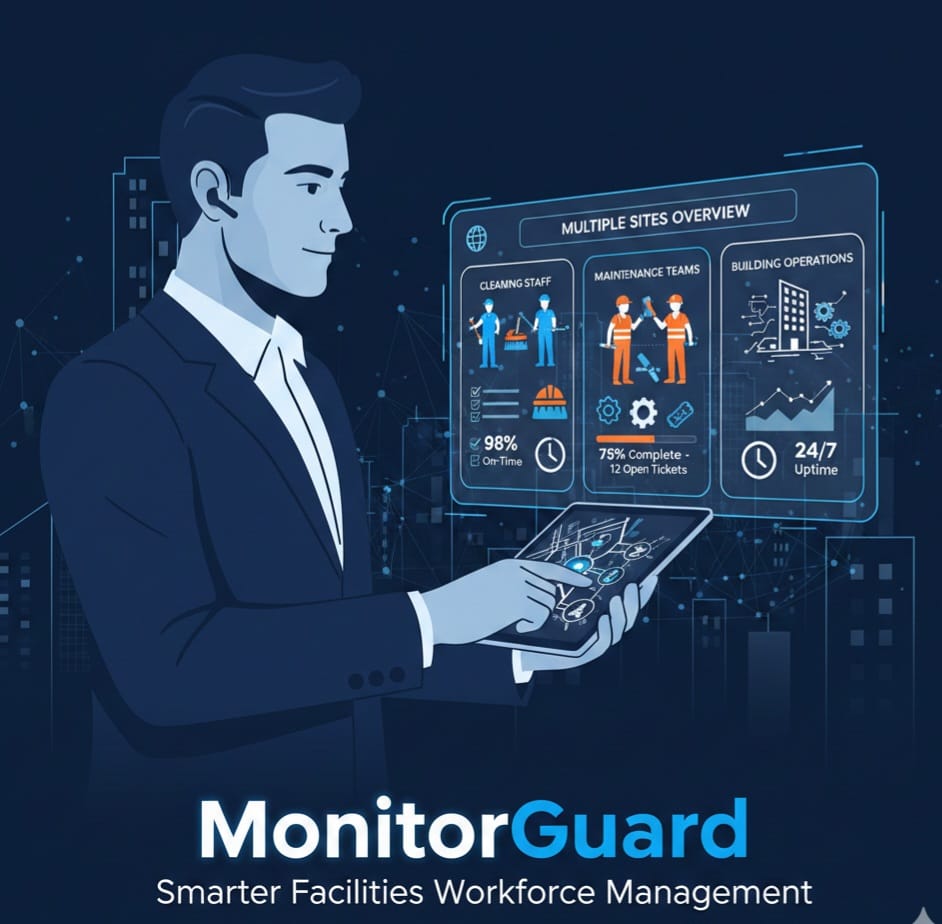
Revolutionizing Facilities Management Staff Operations with MonitorGuard
Facilities management (FM) staff operations run more smoothly when scheduling, attendance, absence, training and incident reporting live in one system instead of spreadsheets, paper and chat groups. MonitorGuard is a cloud-based workforce management platform for UK security, cleaning and FM companies that brings these tasks into one place, with a mobile app for staff.
What are facilities management staff operations?
Facilities management staff operations are the day-to-day tasks of keeping a frontline workforce organised across one or more sites. They include:
- Building rotas and covering shifts
- Recording who worked where, and when
- Managing leave and sickness absence
- Keeping training and compliance records up to date
- Reporting incidents and keeping lone workers safe
- Communicating with staff who are rarely at a desk
For an FM contractor with several client sites, each of these jobs multiplies. A missed shift, a late timesheet or an expired certificate can quickly become a client complaint.
Why do FM teams struggle with staff operations?
Most FM managers don't have a people problem. They have a visibility problem. The most common causes are:
- Scattered tools. Rotas sit in spreadsheets, hours on paper timesheets and updates in messaging groups.
- Last-minute gaps. When someone calls in sick, covering the shift means phone calls and guesswork.
- Manual admin. Re-typing hours and absences takes time managers could spend on sites and clients.
- Patchy records. When training, documents and incident reports are stored in different places, proving compliance to a client is slow.
- Lone working risk. Staff working alone or out of hours need a reliable way to report problems.
What is MonitorGuard?
MonitorGuard is a cloud-based workforce management platform built for security, cleaning and facilities management businesses in the UK. It automates scheduling, time tracking, lone worker safety, compliance monitoring and mobile reporting, so managers work from one system and staff use one simple app.
It is designed for teams of all sizes, from small operations of around 20 people to organisations with 2,000+ staff.
How does MonitorGuard improve FM staff operations?
Scheduling and shift cover
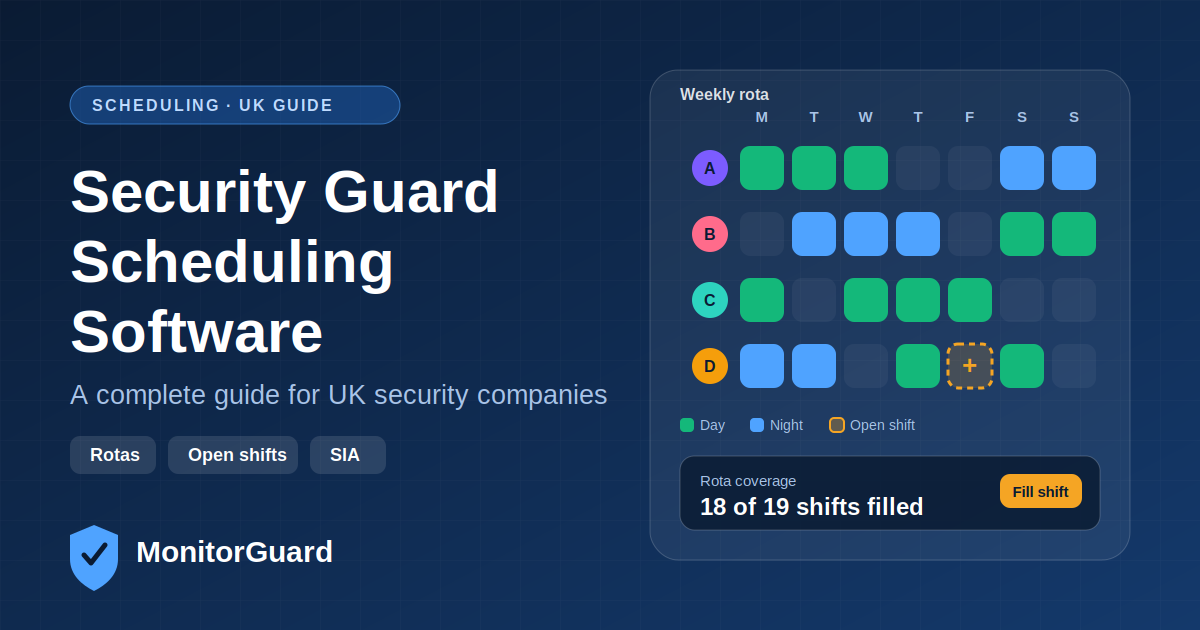
Plan rotas in one place and make changes quickly, so cover is arranged before a gap becomes a problem for the client.
Time and attendance
Staff hours are recorded digitally, so managers can review attendance without chasing paper timesheets or re-typing hours.
Absence and leave
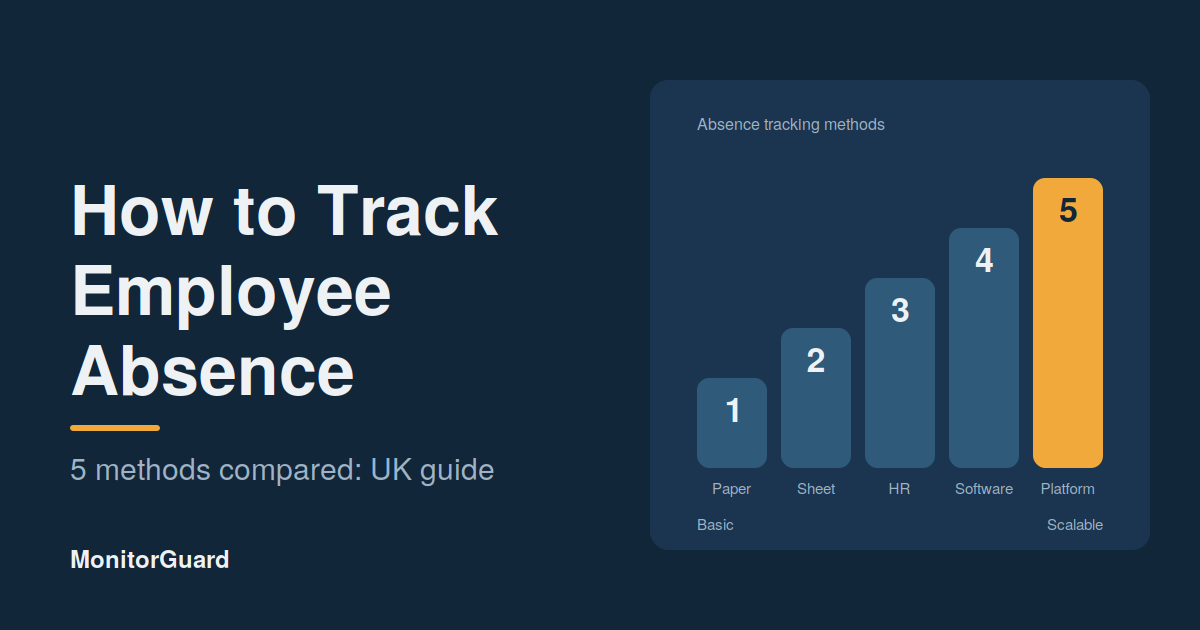
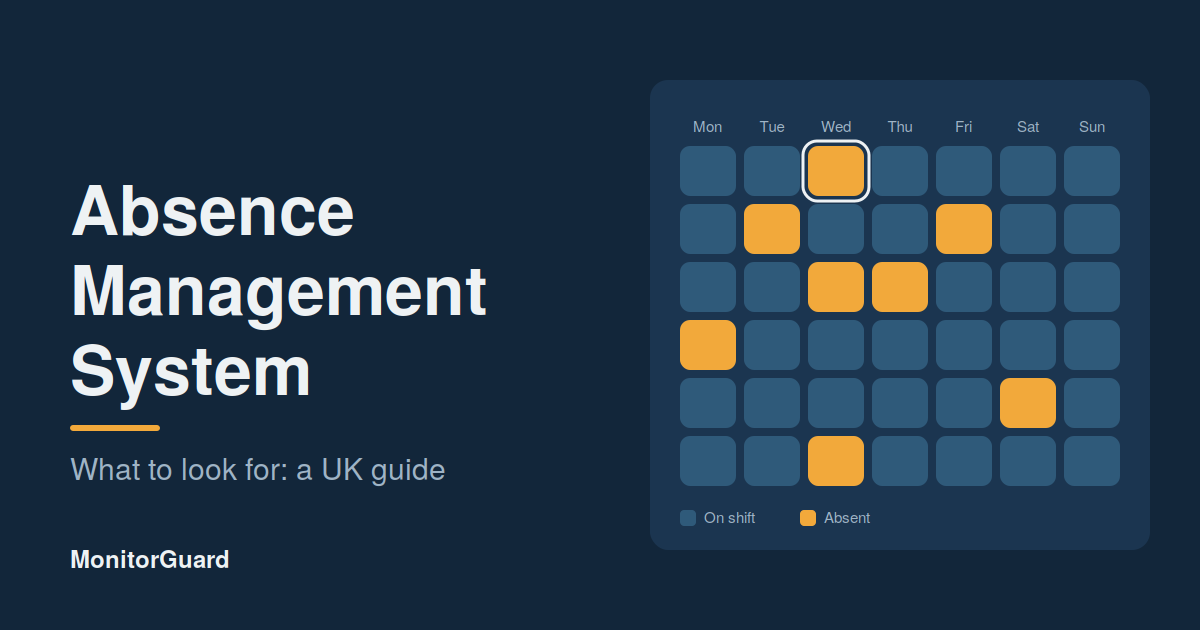
Holiday and sickness absence are logged in the system, giving managers an accurate picture of who is off and how often. See the absence management features for more detail.
Lone worker safety and incident reporting
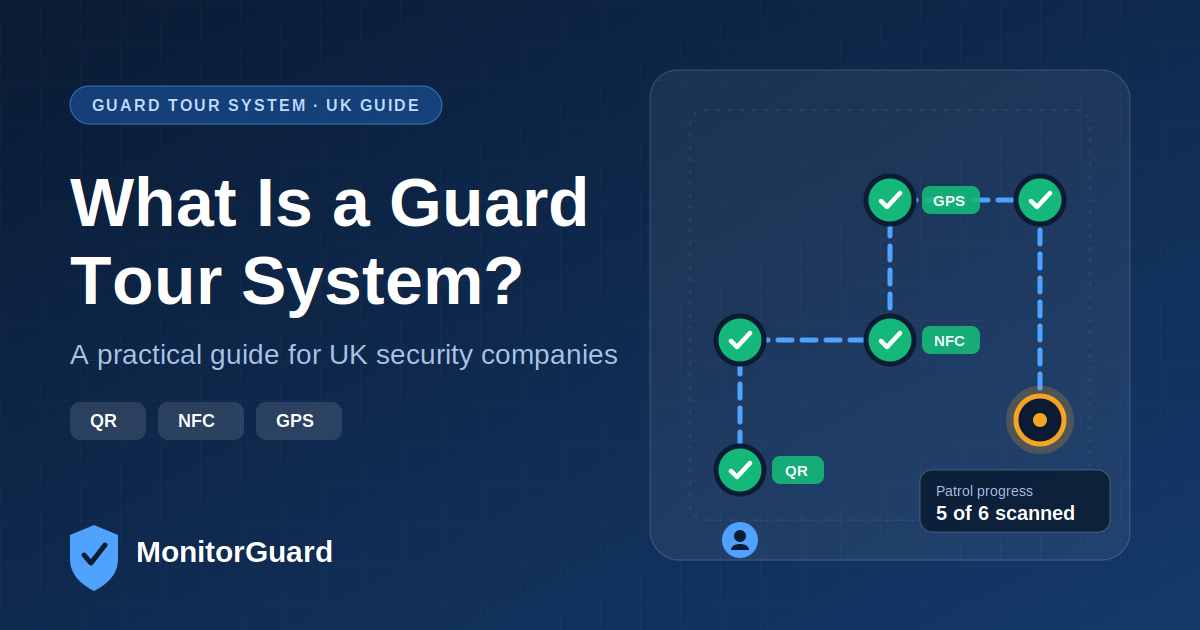
Staff can report incidents and issues from their phone, and managers can see them as they are logged instead of finding out hours later.
Training, documents and compliance
Keep training records and documents in one place, with HR reporting that makes audits and client reviews less stressful.
A mobile app for staff
Frontline teams get a simple mobile app for their day-to-day tasks, so the information managers see comes from the people actually on site.
Control over who sees what
Custom user access roles keep information visible only to the right people, and optional two-step verification adds another layer of account security.
What changes when you move to MonitorGuard?
|
Task |
Without a central system |
With MonitorGuard |
|---|---|---|
|
Rotas |
Spreadsheets and phone calls |
One rota, updated in one place |
|
Hours |
Paper timesheets, re-typed |
Digital time tracking |
|
Absence |
Emails and handwritten notes |
Logged leave and sickness records |
|
Safety reports |
Calls, texts and paper forms |
Reports sent from the mobile app |
|
Training and documents |
Folders and filing cabinets |
Stored centrally, with reporting |
|
Access |
Shared files with little control |
Role-based access |
Who is it for?
- FM contractors managing several client sites
- In-house FM teams with shift-based staff
- Companies that combine FM with security or cleaning services
- Operations managers who need clear records for client reviews and audits
If you also run security teams, see how MonitorGuard supports security guard monitoring.
How do you roll out a new staff system in FM?
- List your sites and roles. Note which sites, shifts and job roles you need to cover.
- Add your staff. Load employee details and set the right access level for each person.
- Build your rotas. Set up your regular patterns first, then handle exceptions.
- Introduce the mobile app. Start with one site or team, then roll out to the rest.
- Review weekly. Check attendance, absence and incident reports each week and adjust.
Frequently asked questions
What is facilities management workforce software?
It is software that helps FM companies schedule shifts, track hours, manage absence and keep compliance records for frontline staff in one place.
How can software help reduce absence problems in FM?
It records every absence in one place, so managers can spot patterns early, plan cover sooner and hold return-to-work conversations with accurate information.
Is MonitorGuard only for facilities management?
No. It is designed for security, cleaning and facilities management companies, and also suits other shift-based businesses such as event staffing.
Does MonitorGuard have a mobile app?
Yes. Staff use a mobile app for day-to-day tasks and reporting, while managers work from the web platform.
Can I control what each user can see?
Yes. Custom user access roles control visibility, and optional two-step verification protects accounts.
How do I get started with MonitorGuard?
Book a demo and we will show you how MonitorGuard fits your sites, shifts and team size.
Conclusion
Facilities management runs on people being in the right place at the right time, with the right records behind them. MonitorGuard gives FM teams one platform for scheduling, attendance, absence, safety reporting and compliance, so managers spend less time chasing information and more time running the service.
Ready to see it in action? Book a demo with MonitorGuard today.