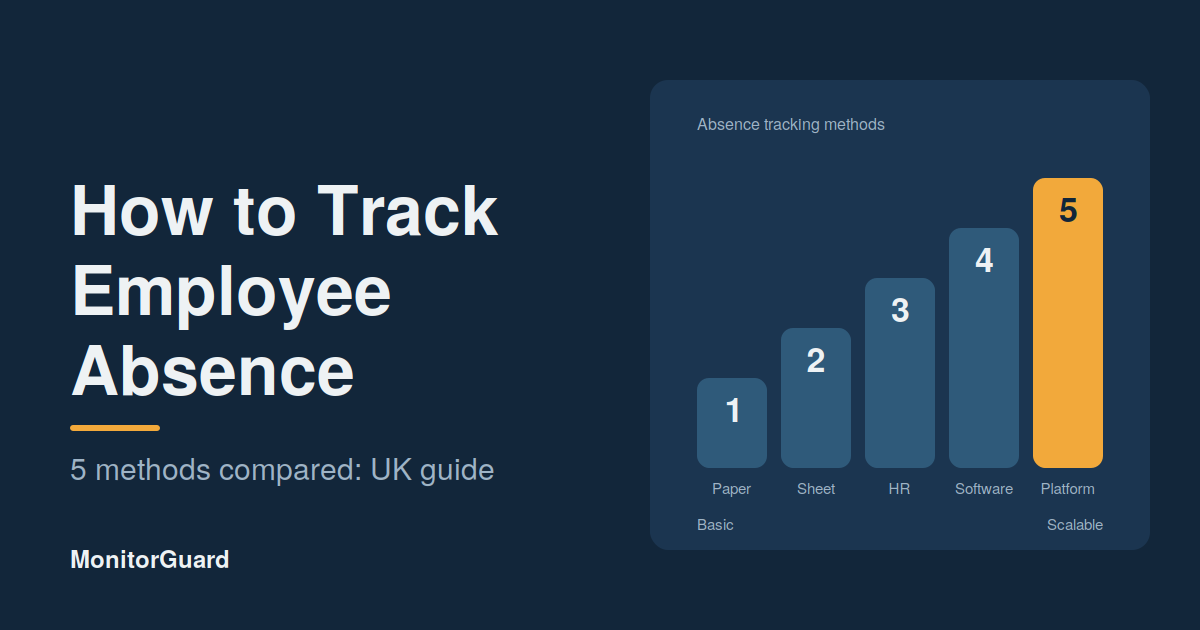
How to Track Employee Absence: 5 Methods Compared
The five main ways to track employee absence are paper records, spreadsheets, an HR or payroll module, dedicated absence tracking software, and a workforce management platform. Paper and spreadsheets are fine for very small teams. Once you have several managers, sites or shift patterns, software gives you faster alerts, cleaner records and reliable trend reports.
Absence tracking sounds simple: write down who was off and why. In practice, the method you choose decides how quickly you can arrange cover, how fairly you treat staff and how well you can prove your records if a dispute arises.
This guide compares five methods side by side so you can choose the right one for your business.
Why absence tracking matters
Good absence tracking helps you do four things:
- Arrange cover quickly, so shifts and sites are never left uncovered.
- Spot patterns early, such as repeat Monday absence or one site with unusually high sickness.
- Apply policy fairly, because decisions are based on records, not memory.
- Meet legal duties, including Statutory Sick Pay (SSP) records and the safe handling of health data under UK GDPR.
If you want the wider picture, read our [guide to choosing an absence management system].
What should you record for every absence?
Whichever method you use, record the same core details each time:
- Employee name and team or site
- First and last day of absence
- Reason category (sickness, family emergency, unauthorised, other)
- How and when the employee reported it
- Whether a self-certification or fit note was provided
- Return-to-work conversation date and outcome
- Any cover arranged
Keep reasons as broad categories where you can. Health information is special category data under UK GDPR, so only store what you genuinely need.
Method 1: Paper records and diaries
How it works: A manager or admin writes each absence in a book, wall planner or form.
Best for: Teams of fewer than five people at a single location.
Pros
- No cost
- Nothing to learn
Cons
- Easy to lose, damage or leave unfilled
- Impossible to search or report on
- Hard to protect health information
- No alerts, and no access for remote managers
Verdict: Use only as a temporary backup. It does not scale and is the riskiest option for data protection.
Method 2: Spreadsheets
How it works: You keep an Excel or Google Sheets file with one row per absence, often with formulas for days lost.
Best for: Small teams with one person responsible for the data.
Pros
- Cheap and flexible
- Familiar to most managers
- Can calculate totals and a Bradford Factor score with the right formulas
Cons
- One broken formula can hide a pattern
- Version problems when several people edit the same file
- No automatic alerts when someone reaches a trigger point
- Weak access control for sensitive data
- Time-consuming to maintain across multiple sites
Verdict: A reasonable starting point, but most teams outgrow it once they have multiple managers or shift patterns.
Method 3: HR or payroll software modules
How it works: Your existing HR or payroll system includes a leave and absence section.
Best for: Office-based businesses that already use an HR platform.
Pros
- Data sits alongside employee records
- Often links to payroll and holiday balances
- No extra system to buy
Cons
- Absence reporting can be basic
- Rarely built for shift-based or multi-site teams
- Alerts and trigger points may be limited
- Managers may find it slow to use on a phone
Verdict: Good if you are office-based and your needs are simple. Check whether it can report on short-term repeat absence before you rely on it.
Method 4: Dedicated absence tracking software
How it works: A specialist tool records absence in real time, calculates entitlements and shows trends. Employees or managers log absences from a phone or computer.
Best for: Growing businesses that need reliable reporting, alerts and a clear audit trail.
Pros
- Real-time logging and automatic alerts
- Bradford Factor and trend reports built in
- Return-to-work forms and fit note records in one place
- Role-based access to protect sensitive data
Cons
- Monthly cost, usually per employee
- Needs a short setup and some manager training
Verdict: The best fit for most businesses with more than 20 or 30 staff, or any business with several managers.
Method 5: Workforce management platforms
How it works: Absence tracking is built into a wider system that also handles rotas, attendance, staff records and site monitoring.
Best for: Shift-based businesses such as security, cleaning and facilities management, where an absence means an uncovered shift.
Pros
- Absence links directly to the rota, so you see the gap immediately
- One system for attendance, scheduling and absence
- Multi-site reporting for operations managers
- Mobile access for staff without a desk
Cons
- More features than a small office needs
- Higher cost than a basic tracker
Verdict: The strongest option for guarding and cleaning contractors. Platforms such as MonitorGuard combine absence tracking with staff management and site monitoring, so a missed shift is visible straight away.
The 5 methods compared
|
|
Paper |
Spreadsheet |
HR module |
Absence software |
Workforce platform |
|---|---|---|---|---|---|
|
Cost |
Free |
Free or low |
Included |
Per employee |
Per employee |
|
Real-time updates |
No |
No |
Sometimes |
Yes |
Yes |
|
Automatic alerts |
No |
No |
Limited |
Yes |
Yes |
|
Trend reports |
No |
Manual |
Basic |
Yes |
Yes |
|
Links to rotas |
No |
No |
Rarely |
Sometimes |
Yes |
|
Multi-site use |
Poor |
Poor |
Fair |
Good |
Excellent |
|
Data protection |
Weak |
Weak |
Good |
Good |
Good |
|
Best team size |
1 to 5 |
5 to 20 |
Office teams |
20 and above |
Shift-based teams |
How to choose the right method
Ask yourself these five questions:
- How many people and sites do you manage? More than one site almost always means moving off spreadsheets.
- Do you work in shifts? If yes, choose something that links absence to the rota.
- Who needs to see the data? Several managers need role-based access, not a shared file.
- How fast do you need to know? If cover has to be arranged the same day, you need real-time logging.
- What is the cost of getting it wrong? Missed shifts, disputes and data breaches usually cost more than the software.
Best practices for any absence tracking system
- Make reporting easy. Staff should know exactly how and when to report absence.
- Hold a return-to-work conversation every time. It is supportive, and it gives you a record.
- Use the Bradford Factor as a prompt, not a verdict. Always consider the reason, especially for disability or pregnancy-related absence under the Equality Act 2010.
- Limit who can see health information. Only people who need it should have access.
- Review the data monthly. Tracking only helps if someone acts on what it shows.
- Set a retention period and delete records when you no longer need them.
Common absence tracking mistakes
- Recording absence only at the end of the month
- Using different reason labels for the same thing
- Relying on one person's memory or one person's spreadsheet
- Ignoring short, repeated absences because each one looks minor
- Collecting more health detail than you actually need
Frequently asked questions
What is the best way to track employee absence?
For most businesses with more than 20 staff, dedicated absence tracking software is the best way, because it records absence in real time, sends alerts and produces trend reports. Shift-based businesses benefit most from a platform that links absence to the rota.
Can I track employee absence in Excel?
Yes. A spreadsheet works for small teams, but it needs careful formulas, one owner and good access control. It will not send alerts automatically and becomes hard to manage across several managers or sites.
What information should I record when an employee is absent?
Record the employee, dates, reason category, how it was reported, any self-certification or fit note, the return-to-work conversation and any cover arranged. Keep health details to the minimum you need.
Is absence tracking legal under UK GDPR?
Yes, employers can keep absence records, but health information is special category data. You need a lawful basis, should restrict access, and should only keep records for as long as you need them.
How do I track absence for shift workers?
Use a system that links absence to the shift rota, so you can see which sites or shifts are uncovered the moment someone reports absent. Mobile access also helps staff who do not work at a desk.
Final thoughts
The best absence tracking method is the one your managers will actually use every day. Spreadsheets can work while you are small, but once you manage several sites, shifts or managers, software saves time and gives you the clear records you need.
Want to see absence tracking built for shift-based teams? [Book a MonitorGuard demo]